
 Jan, 13 2026
FDA Drug Label Search Simulator
Search the FDALabel Database
This interactive tool simulates the FDALabel Database search process. Enter your search terms to see how the FDA's official drug labels are searched.
Search Results
Enter search terms to see simulated results.
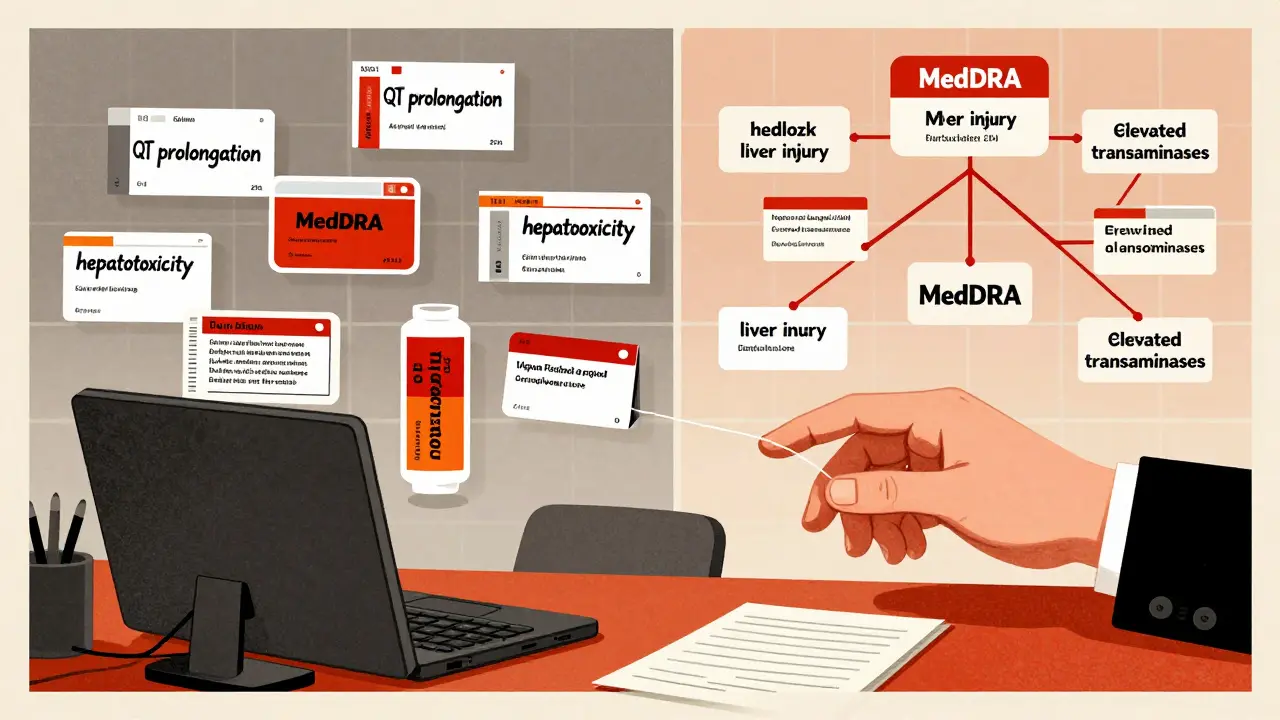
MedDRA Integration: Searching for "liver damage" would also return results for "hepatotoxicity," "elevated transaminases," and "liver injury" using MedDRA terminology.
How to interpret results: Each result shows the drug name, manufacturer, and section where your term appeared. Click on a result to see the full label.
Every time you pick up a prescription, read a drug fact sheet, or wonder why a medication has a black box warning, you're looking at something called a drug label. These aren’t just printed inserts-they’re legally binding documents approved by the U.S. Food and Drug Administration. And if you need to find specific information-like which drugs cause liver damage, or how often a side effect shows up across different brands-you don’t need to flip through hundreds of PDFs. The FDALabel Database is the free, official tool that lets you search all of it in seconds.
What Is the FDALabel Database?
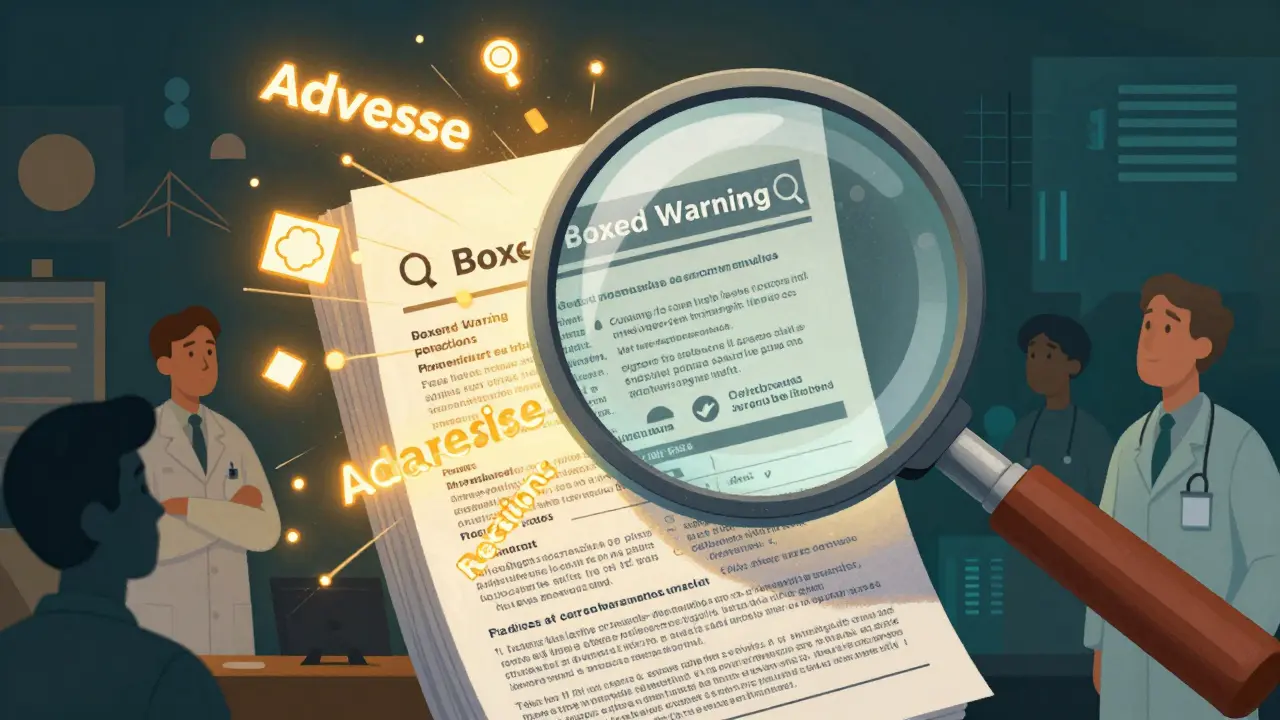
The FDALabel Database is a web-based search tool built and maintained by the FDA’s National Center for Toxicological Research. It doesn’t just list drug names. It lets you search the full text of over 149,000 official drug labels-prescription, over-the-counter, biological, and animal drugs-all pulled directly from the FDA’s Structured Product Labeling (SPL) archive. This isn’t a summary. It’s the exact language manufacturers submitted to the FDA, updated twice a month.Before FDALabel, finding specific details meant manually checking Drugs@FDA for approval dates or DailyMed for label copies. But neither let you search inside sections like Boxed Warnings or Adverse Reactions. FDALabel changes that. You can type in “acute liver failure” and instantly see which 66 drugs have it mentioned in their Boxed Warning section-not just somewhere in the document.
Why FDALabel Beats Other FDA Tools
Many people confuse FDALabel with Drugs@FDA or DailyMed. Here’s how they differ:- Drugs@FDA tells you when a drug was approved, who made it, and if it’s generic. Good for history, bad for deep text.
- DailyMed shows you the full label as a PDF. Great for reading one drug, useless for comparing 50.
- FDALabel lets you search across all 149,000+ labels at once-and narrow it down by section, drug type, or even pharmacologic class.
For example, if you’re researching drugs that cause severe skin reactions, you can search for “Stevens-Johnson syndrome” only in the Adverse Reactions section. FDALabel returns results with exact matches. DailyMed would make you open 30 PDFs and Ctrl+F each one. Drugs@FDA wouldn’t help at all-you’d just see approval dates.
It also connects to MedDRA, the global standard for medical terminology. That means if you search for “hepatotoxicity,” you’ll also catch results using synonyms like “liver injury” or “elevated transaminases.” No other public tool does this.
How to Use FDALabel: Step-by-Step
You don’t need to be a regulatory expert to start. Here’s how to get useful results fast:- Go to www.fda.gov/FDALabelTool (or nctr-crs.fda.gov/fdalabel).
- Choose your search type: Pick Full Text for broad results, or Section-Specific to target Boxed Warnings, Dosage, or Drug Interactions.
- Narrow your scope: Use filters for drug type (human Rx, OTC, animal), application type (NDA, ANDA, BLA), or therapeutic category.
- Enter your query: Try specific terms like “QT prolongation” or “risk of pancreatitis.” Avoid vague words like “bad side effects.”
- Review results: Each result shows the drug name, manufacturer, label version, and section where the term appeared.
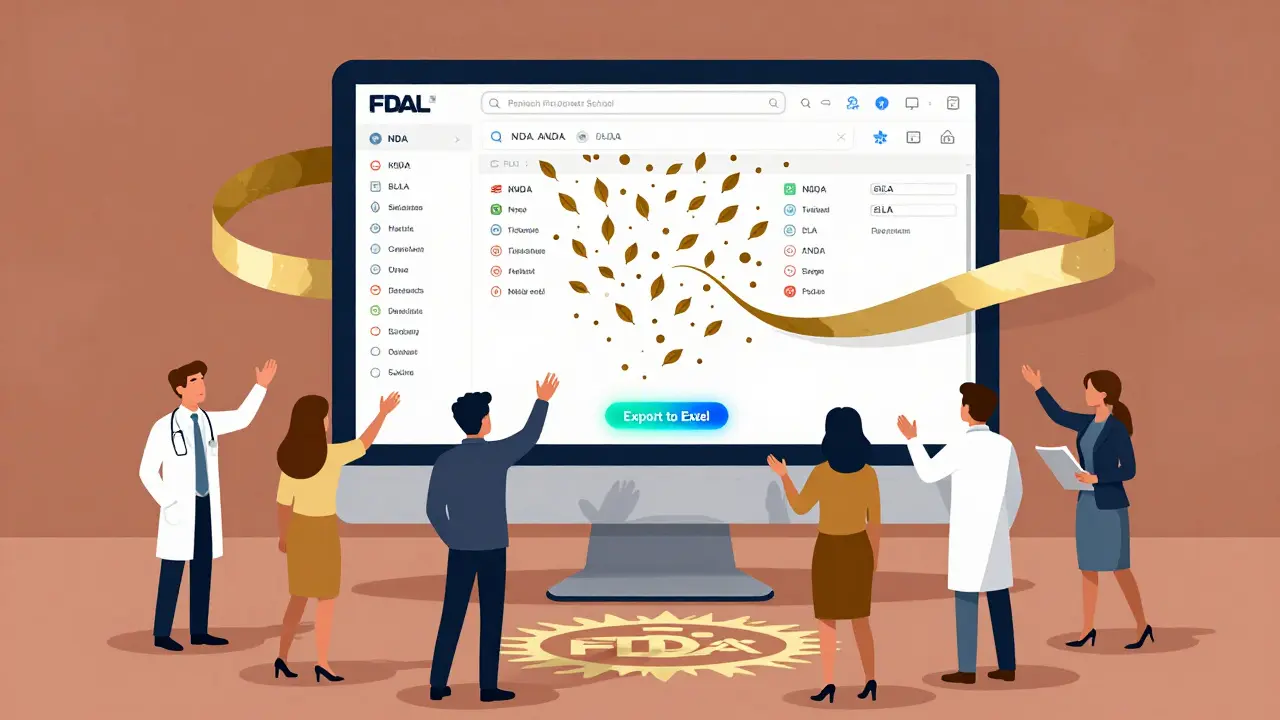
- Export or save: Click “Export” to download results as CSV or Excel. Use the “Permanent Query Link” to bookmark or share your search.
Pro tip: If you’re looking for drugs with the same active ingredient, search by pharmacologic class. Type “beta-blockers” and FDALabel will return every drug in that class-even ones with different brand names.
Advanced Features You Might Not Know
Once you’re comfortable with basic searches, unlock these power tools:- Permanent Query Links: After running a search, click the “Permalink” button. It creates a stable URL you can email, save, or reuse later. No need to retype complex filters.
- Excel Export with Metadata: The July 2024 update added Excel export. The second sheet includes the exact search link, result URLs, and timestamp-perfect for audits or research logs.
- Locked Header on Results: As you scroll through hundreds of results, the column headers stay fixed at the top. No more guessing which column is “Drug Name” or “Section.”
- MedDRA Integration: Search for “depression” and you’ll also get results tagged with “mood disorder” or “suicidal ideation” under MedDRA’s standardized hierarchy.
These aren’t gimmicks. They’re built for people who need to find patterns-like a researcher studying drug safety trends or a pharmacist checking interactions before prescribing.
Who Uses FDALabel-and Why
This tool isn’t just for regulators. Here’s how different groups use it:- Pharmaceutical Companies: Study competitors’ labels to identify gaps in safety warnings or ingredient combinations. Some use it to design new formulations by seeing what’s already approved.
- Researchers: A 2023 study in PMC used FDALabel with AI tools to analyze adverse event reports across thousands of drugs. The system, called AskFDALabel, combined database search with language models to find rare side effects faster.
- Healthcare Providers: When a patient reports an unusual reaction, clinicians use FDALabel to check if other drugs with the same ingredient have similar warnings.
- Patients and Caregivers: If you’re worried about a drug’s long-term risks, you can search for “long-term use” or “chronic toxicity” in the label. No marketing fluff-just the FDA-approved facts.
- Regulatory Professionals: Compliance teams use FDALabel to verify that their own labeling matches FDA requirements before submission.
It’s not a clinical decision tool. But it’s the most reliable source to confirm what’s actually written in the official label.
Limitations and What It Doesn’t Do
FDALabel isn’t perfect-and it’s not meant to be everything.- No pricing info: You won’t find cost, insurance coverage, or pharmacy availability.
- No real-time alerts: It doesn’t notify you if a new warning is added. You have to check manually.
- No EHR integration: It won’t pop up in your electronic health record system.
- Learning curve: If you don’t know what “NDA” or “MedDRA” means, the filters can be confusing. Start with simple searches.
It’s also not a replacement for talking to your doctor. But if you want to understand what’s really in the label-before you ask your doctor-this is the tool.
Getting Help and Staying Updated
There’s no live chat or help desk. But the FDA provides a Quick Start Manual (Version 2.3) with real search examples. The July 2024 update (Version 2.9) added Excel export and locked headers based on user feedback-so they’re listening.Sign up for the FDALabel mailing list on the website to get notified about updates, downtime, or new features. The database has grown from 100,000 to 149,000+ labels since 2018. That means it’s active, growing, and being maintained.
What’s Next for FDALabel?
The future is already here. Researchers are combining FDALabel with AI to build tools that don’t just search-they interpret. AskFDALabel, for example, lets users type natural language questions like, “Which drugs have the highest risk of sudden death in elderly patients?” and returns targeted results using both database search and language modeling.Expect more integration with the Orange Book, GSRS, and Pharmacologic Class databases. Better visualization tools are likely coming too. For now, FDALabel remains the most powerful, free, and authoritative tool for digging into FDA drug labels.
If you work with medications-whether you’re a doctor, researcher, pharmacist, or just someone trying to understand what’s in your prescription-this tool belongs in your toolkit. No subscription. No paywall. Just the truth, straight from the FDA’s database.
Is FDALabel free to use?
Yes, FDALabel is completely free. No registration, no login, no fees. It’s a public resource funded by the U.S. government and maintained by the FDA’s National Center for Toxicological Research.
How often is FDALabel updated?
The database is updated twice a month, usually on the first and third weeks. New drug labels, revised warnings, and updated manufacturer submissions are added automatically from the FDA’s SPL archive. The July 2024 update (Version 2.9) confirmed this schedule is still active.
Can I search for generic drugs in FDALabel?
Yes. FDALabel includes all approved drugs, including generics. You can search by brand name, active ingredient, or application type (ANDA = generic). The system distinguishes between innovator drugs (NDA) and generics (ANDA), so you can filter results accordingly.
What’s the difference between FDALabel and DailyMed?
DailyMed shows you one drug label at a time as a static PDF. FDALabel lets you search across all 149,000+ labels at once and filter by section, drug type, or medical term. FDALabel is for finding patterns. DailyMed is for reading one label in detail.
Why does FDALabel use MedDRA terms?
MedDRA is the international standard for medical terminology used in drug safety reporting. FDALabel maps search terms to MedDRA equivalents so you find all variations of a side effect. Searching for “headache” will also catch “cephalalgia” or “migraine” if they’re tagged in the label. This makes searches more complete and accurate.
Can I export data from FDALabel for research?
Yes. Since the July 2024 update, you can export results to both CSV and Excel. The Excel file includes two sheets: one with search results and a second with metadata like the exact query link, result URLs, and export timestamp-useful for academic or regulatory documentation.
Is FDALabel reliable for clinical decisions?
FDALabel provides the official, FDA-approved labeling text, which is the most authoritative source available. However, it’s not designed for real-time clinical decision-making. Always consult a healthcare provider before changing treatment. Use FDALabel to understand the label, not to replace professional medical advice.
Do I need to install software to use FDALabel?
No. FDALabel is a web-based tool. You only need a modern browser like Chrome, Firefox, or Edge. It works on desktop and mobile. No downloads, no plugins, no account required.
Robin Williams
January 14, 2026 AT 16:58man i just found this tool last week and holy crap it saved my butt. was trying to compare side effects for three different blood pressure meds and DailyMed was making me cry. FDALabel? boom. 10 seconds. i’m not even a doc, just a guy with a weird medical history. this is the real deal.
laura Drever
January 16, 2026 AT 10:14so this is just DailyMed with a search bar? wow groundbreaking. also why is the ui so 2012? i had to reload 3 times. also no mobile optimization. sad.
Scottie Baker
January 17, 2026 AT 18:50you guys are acting like this is some kind of miracle. it’s just a database. i’ve been using this since 2019 and it’s fine. but dont get me wrong - if you’re a pharma grad student or a pharmacist who actually knows what MedDRA is, then yeah, it’s gold. if you’re just some dude googling ‘does Adderall kill your liver’? you’re gonna be disappointed.
Anny Kaettano
January 18, 2026 AT 10:39as a clinical pharmacist, i can’t tell you how many times this tool has prevented a dangerous interaction. i had a patient on lamotrigine with unexplained tremors - searched ‘tremor’ in adverse reactions + antiepileptic class and found 3 other drugs with the same warning. saved her from a hospitalization. this isn’t just a database - it’s a safety net. thank you, FDA, for keeping this free.
Gregory Parschauer
January 19, 2026 AT 22:55oh please. you’re all acting like this is some revolutionary breakthrough. it’s a government tool with a clunky interface that still uses ‘NDA’ and ‘ANDA’ like it’s 2005. and don’t get me started on the MedDRA nonsense - if you don’t know the exact synonym for ‘depression’ you’re SOL. this isn’t user-friendly, it’s a bureaucratic relic wrapped in jargon. if you’re not a regulatory ninja, you’re wasting your time.
and yet somehow, the FDA still charges nothing? how is this even possible? someone’s getting paid to maintain this? i don’t trust it. there’s a catch. always is.
Avneet Singh
January 20, 2026 AT 16:51you people are so naive. FDALabel is just a front. the real data is locked behind paywalls in Big Pharma’s internal systems. this tool? it’s curated. filtered. sanitized. they only show you what they want you to see. the real adverse events? buried in FAERS. this is just PR with a search bar.
also, MedDRA? laughable. it’s a corporate taxonomy designed to downplay side effects. if you think this is ‘truth straight from the FDA,’ you’ve never read the whistleblower reports.
Pankaj Singh
January 22, 2026 AT 08:44lol @ all the ‘thank you FDA’ comments. this thing is a joke. i searched ‘anaphylaxis’ and it missed 4 major drugs because the label used ‘severe allergic reaction.’ you think MedDRA fixes that? nah. it’s just a thesaurus that doesn’t know context. this tool is a trap for the untrained. don’t use it unless you’ve got a PhD in pharmacovigilance.
Kimberly Mitchell
January 23, 2026 AT 00:24the fact that people still think this is ‘free and transparent’ is terrifying. the FDA doesn’t own this data - manufacturers submit it. and they know exactly how to word things to minimize liability. ‘elevated transaminases’ instead of ‘liver damage.’ ‘mood disorder’ instead of ‘suicidal ideation.’ this isn’t truth - it’s legal language dressed up as science.
and yes, i’ve worked in pharma compliance. i’ve written these labels. i know how the game is played.
Vinaypriy Wane
January 23, 2026 AT 02:22thank you, Anny, for saying what i’ve been thinking - this tool is a lifeline. but also, to Laura and Pankaj - yes, it’s imperfect. yes, the UI is outdated. but you’re ignoring the bigger picture: it’s the only place where patients, researchers, and providers can access the same raw data without paying $200/hour for a subscription. the fact that it’s free? that’s radical. the fact that it’s updated biweekly? that’s responsible. don’t hate the tool because the system is broken - use it to fix the system.
also - if you don’t know what MedDRA is, look it up. it’s not jargon. it’s the global language of drug safety. learn it. or don’t. but don’t mock it.
Diana Campos Ortiz
January 24, 2026 AT 20:30i just used this to check if my grandma’s new statin had any weird interactions with her herbal tea. found it in 30 seconds. no login. no ads. no upsells. just pure, clean info. i’m not a scientist, but i know what’s useful. this is it.
Jesse Ibarra
January 24, 2026 AT 23:30you all are so cute. ‘Oh, FDALabel is free!’ yeah, and so is the government’s ‘free’ healthcare system - until you need a real answer. this tool won’t tell you why your doctor prescribed this over that. it won’t explain drug interactions in human terms. it just gives you legal text written by lawyers who’ve never met a patient. this isn’t empowerment - it’s bureaucratic gaslighting.
and don’t even get me started on the ‘Excel export’ - like, wow, you made a spreadsheet. congratulations. now go tell a diabetic patient how to interpret ‘hyperglycemia’ in a CSV file.
Randall Little
January 26, 2026 AT 17:15so… this is basically Google for FDA labels? and you’re all acting like we just discovered fire? i’m impressed. the real question is - why did it take 20 years to build this? and why does it still look like it was coded in Notepad?
Lance Nickie
January 27, 2026 AT 02:08works. no need to overthink it.